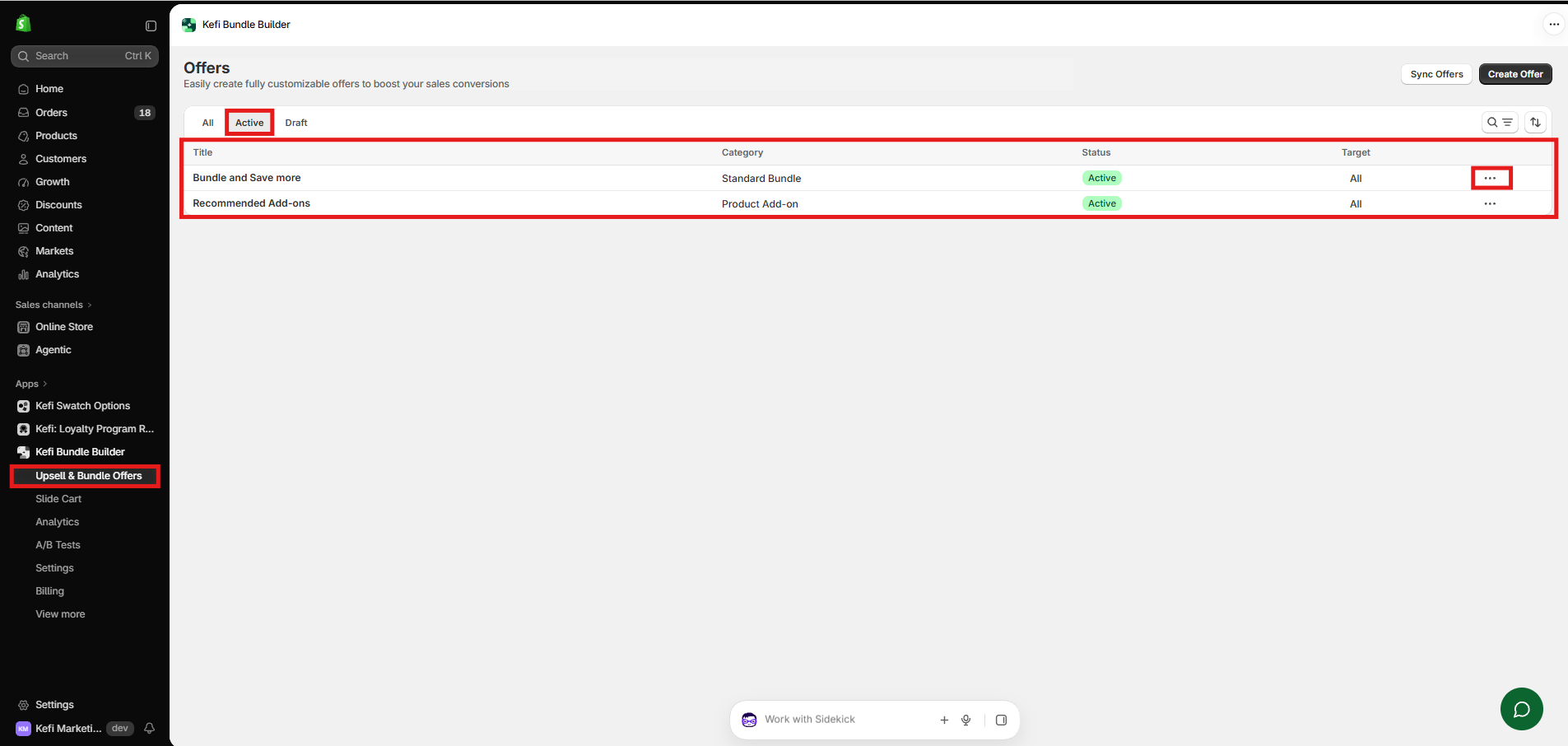
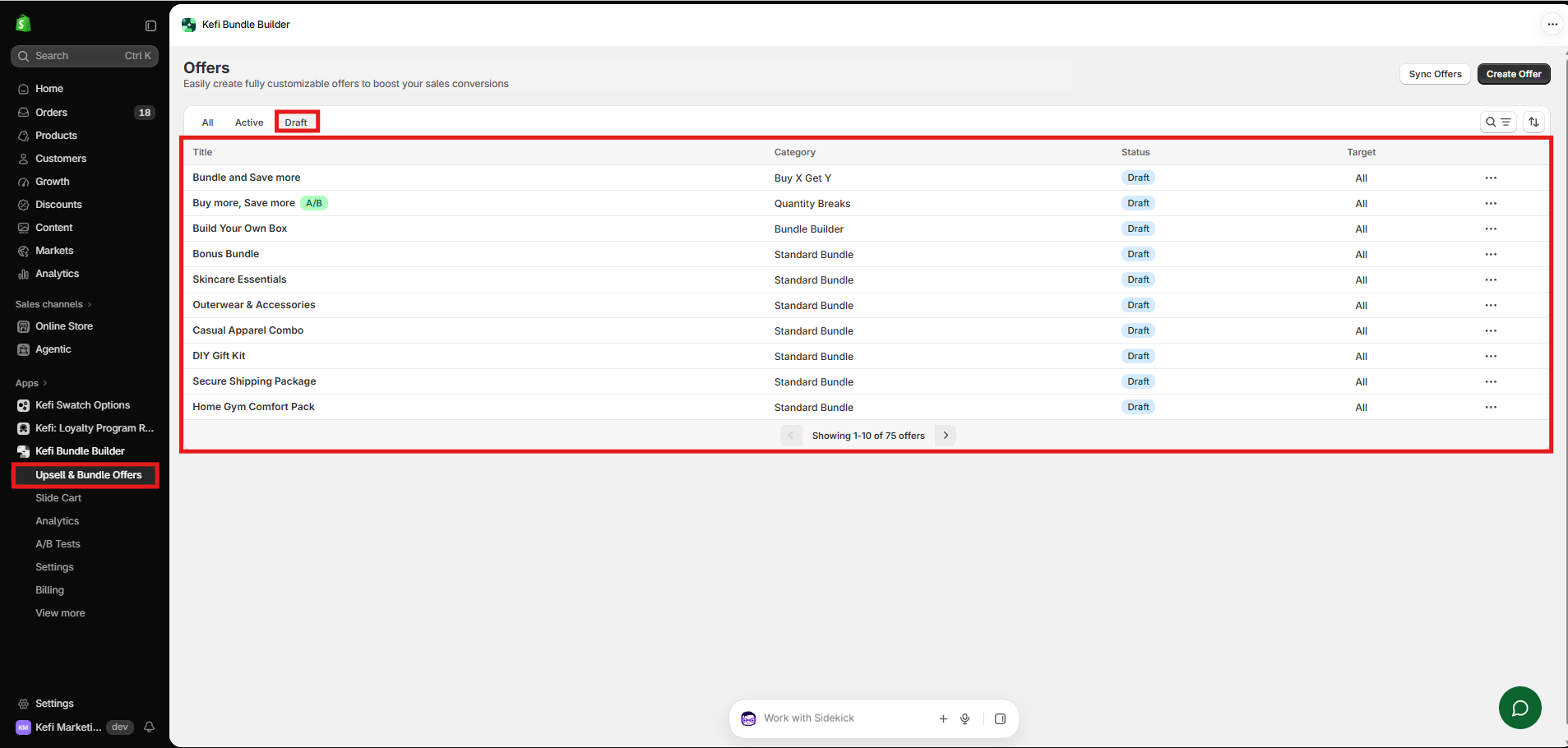
Where to Find and Manage Your Created Bundles
If you have published a bundle or saved a draft and want to view, edit, or manage it, you can easily find all your offers right inside the app.
Follow these quick steps:
- Log in to your Shopify Admin and navigate to your installed apps.
- Click on Kefi Bundle Builder and select Upsell & Bundle Offers.
- Here, you will see a comprehensive list of all your created offers, complete with their current status (Active or Draft).
- To make changes or update any published bundle, simply click on the offer or use the action menu (...) next to it.